
Use our Polls Smart Content to pitch a question with some options and see what wins the popular vote in your community. Polls can be a great way to engage your audience and provide some interactivity so they get involved. Get started by following the steps below:
- In the top right corner of your Feed, click Add and select Smart Content
- Click on Polls.
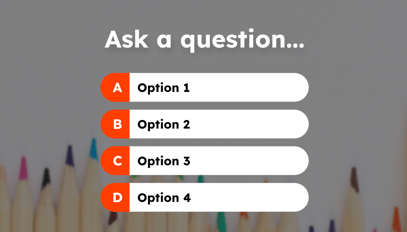
- In the top right corner, click Add to Feed.
- In the pop-up that appears, add your question and answers. You can have up to 4 potential answers. You must provide at least 2.
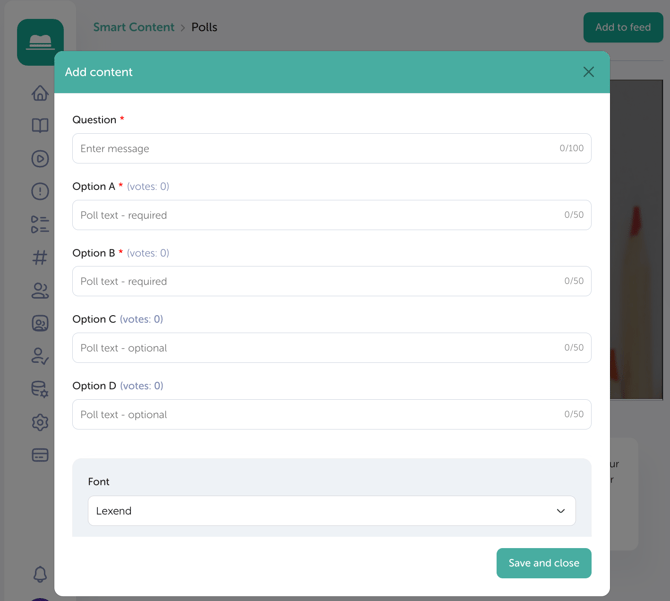
-
If you’d like to reveal the result of the poll, toggle on Show Results and select the date and optional time to display them.
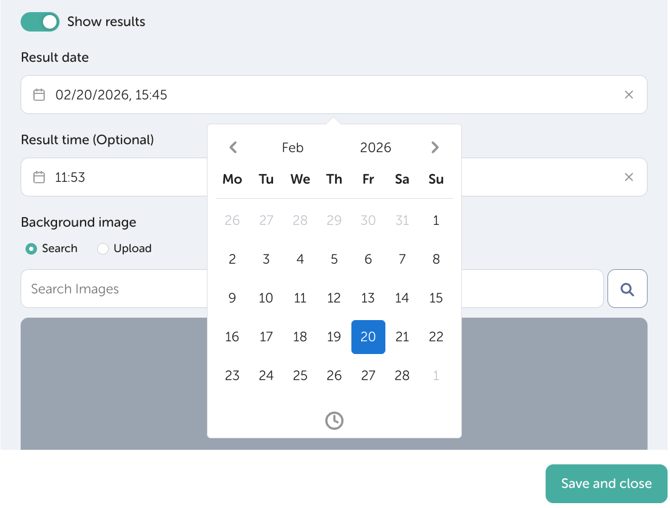
- Optional steps before pressing save and close include:
- Choosing the preferred font.
- Choosing a background image, Change the background image by either searching from our library of images or upload your own.
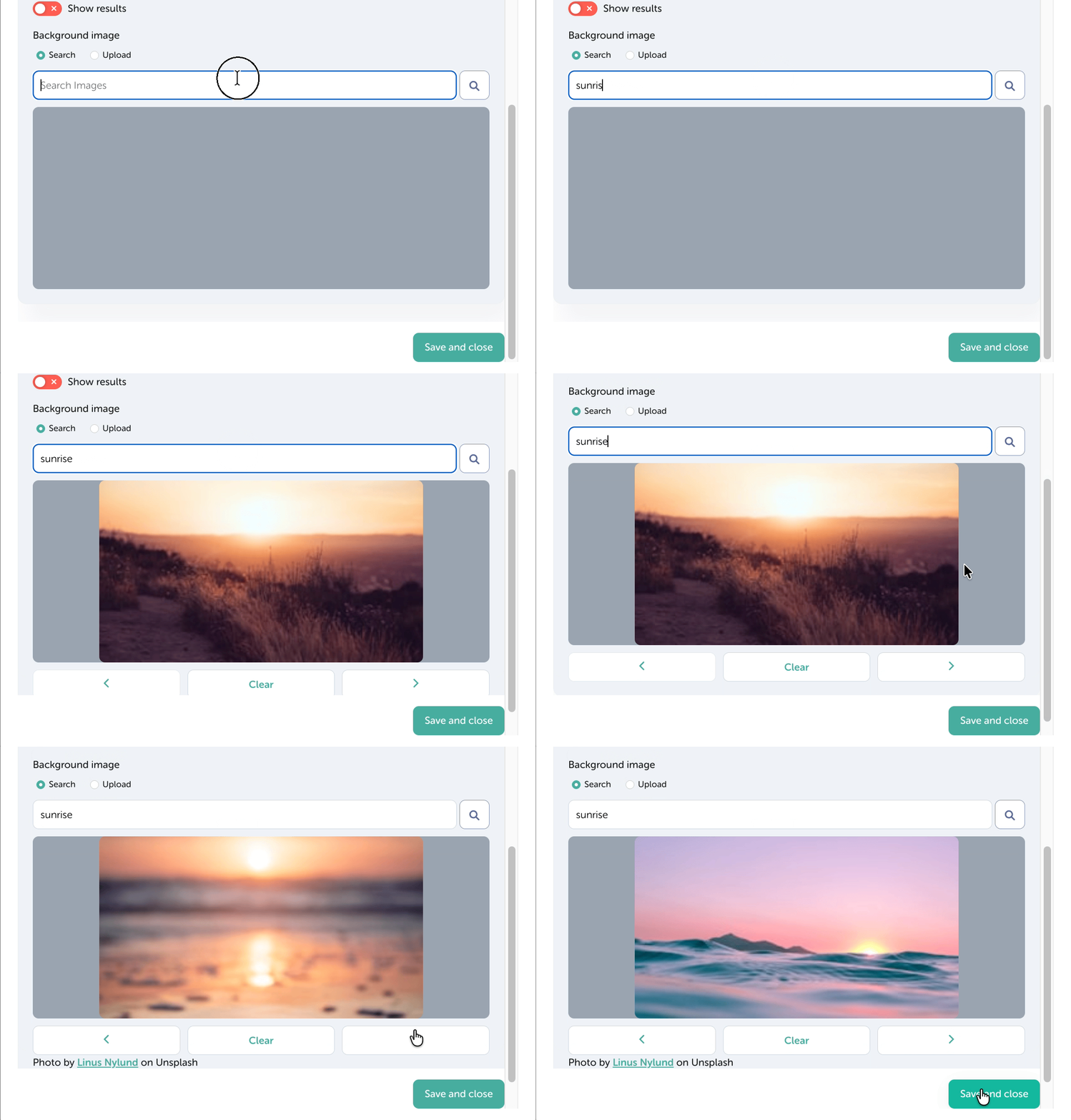
- Choosing the preferred font.
- Once you're happy with your selections and customisation, click Save and Close.