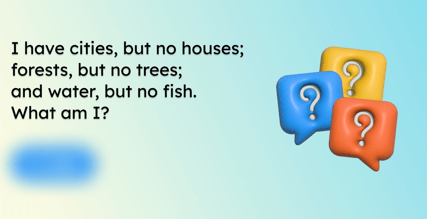
Riddles can be a great brain teaser and engagement tool for your community. Our Riddles Smart Content provides a riddle reach day, and you can even add your own. To add Riddles to your screens, follow the steps below:
- In the top right corner of your Feed, click Add and select Smart Content.
- Click on Riddles
- In the top right corner, click Add to feed.
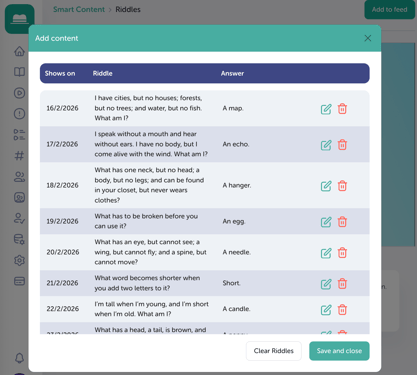
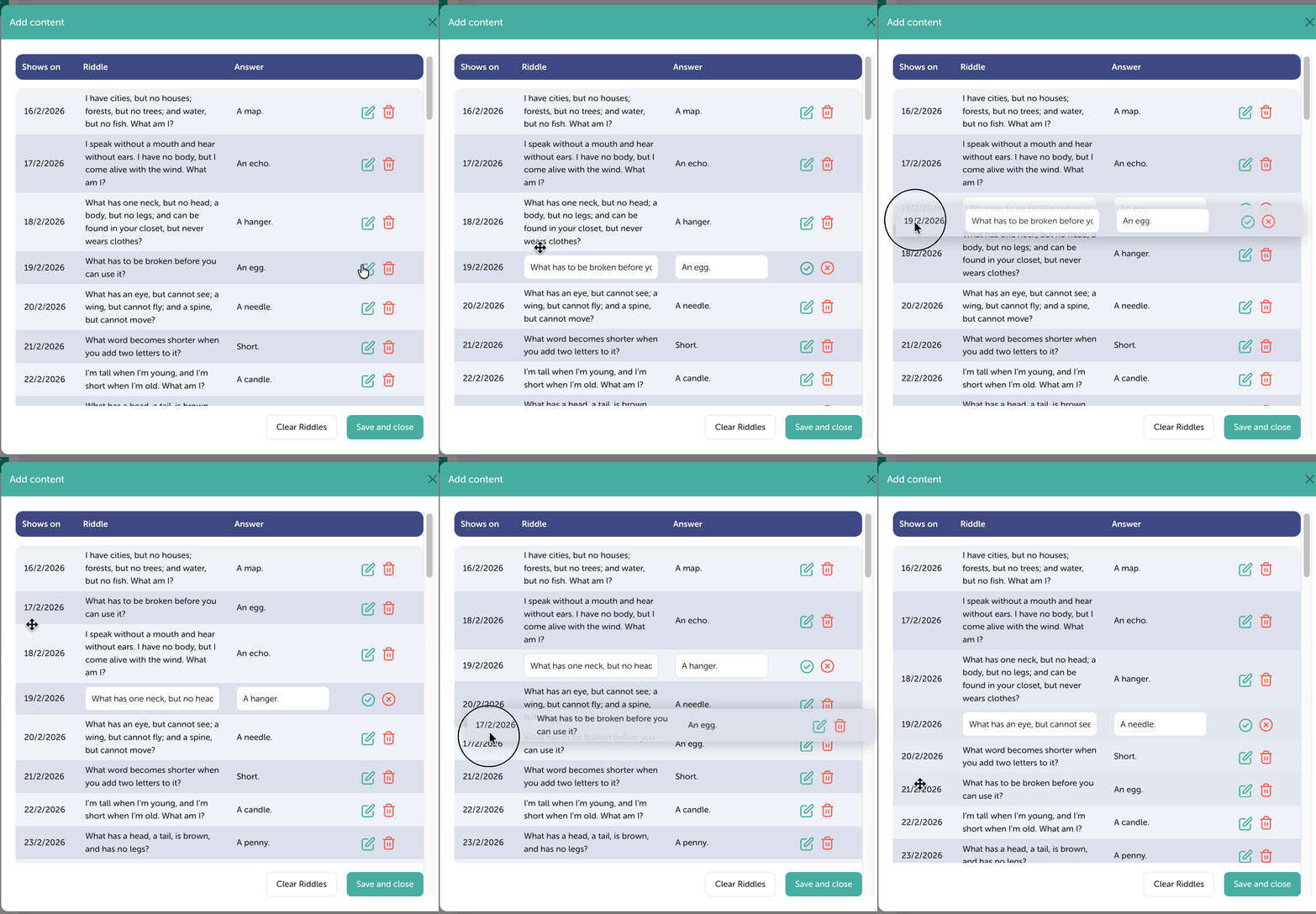
- In the pop-up, you’ll see a pre-made list of riddles. You can choose to keep these as they are or customise, delete or add your own riddles. The riddle bank consists of 4 columns from right to left; they are:
- Shows on (date)
- Riddle
- Answer
- Edit and delete
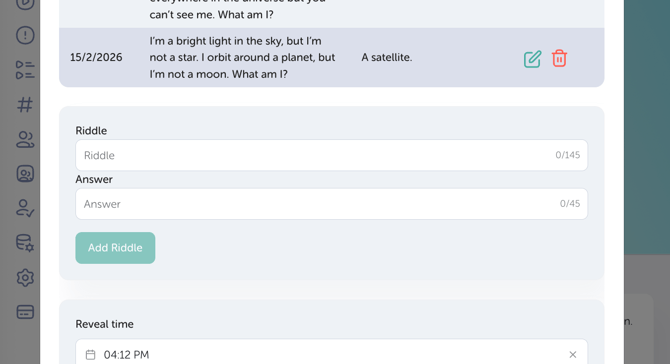
- To create a riddle, simply enter your riddle and answer in the box below the list.
- You can change the order in which a riddle shows (date) by clicking the Edit button and then dragging and dropping it in the order that you prefer.
- Once you’re happy with the selection and order of riddles, you can select the reveal time (during breaks or lunches is a great time to set up a reveal).
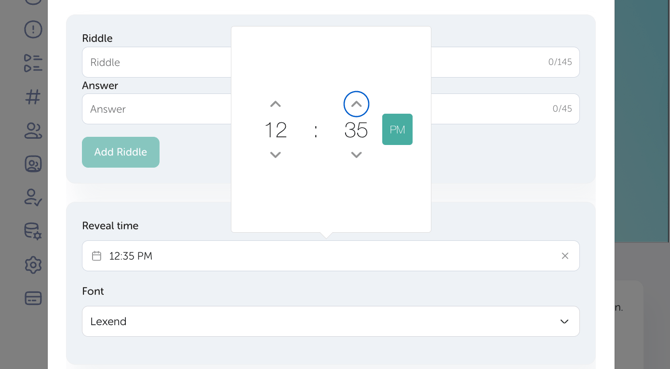
- Finish by selecting your preferred font, and then press Save and Close to update your changes
IMPORTANT
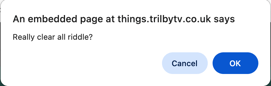
By clicking Clear Riddles, you remove all riddles - this action cannot be undone.