Before you start
- Download the TrilbyTV Player APK from https://l.trilby.uk/s/ttvapk
- Copy that to a USB memory stick (formatted as FAT32)
- Grab the remote and turn on your screen
First-time setup
If this is the first time using this screen, you'll need to set up Wifi or, even better, have it connected to Ethernet.
WiFi is set up in the Settings app under Network. You can access this at any time by using the cog button on the remote.
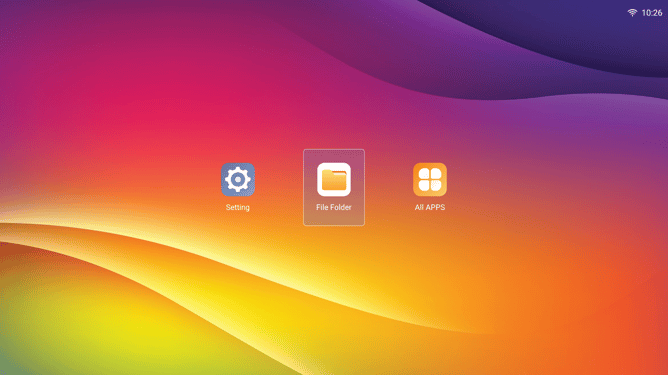
Once configured, head back to the 'home' screen and check that the time and date are correct; if they are not, then it suggests a network issue, which can be reviewed in the Settings app.
Installing the TrilbyTV Player app
To install TrilbyTV on your screen:- Plug in your USB stick with the TrilbyTV Player APK (either USB port is fine)
- Open File Manager
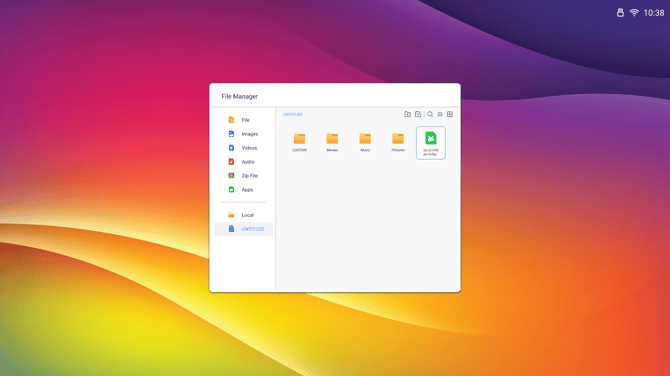
- Navigate to your USB stick and select the APK
- When asked if you want to install, press Install
- Once complete, click Open and TrilbyTV Player will start
- Link the player to your TrilbyTV by using the Player code on the screen
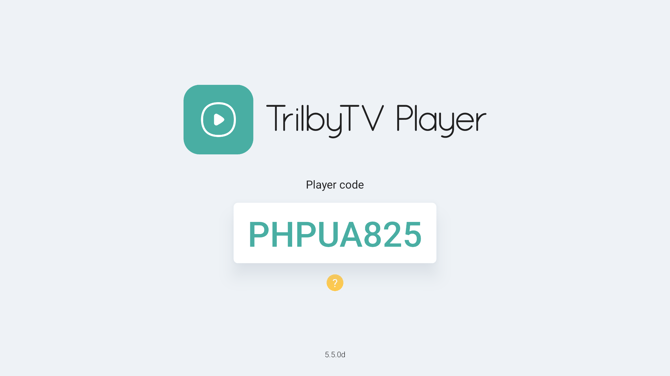
Once connected to your TrilbyTV, the TrilbyTV Player will register itself to auto-start on the screen when it powers on.
NOTE
-
You can press the Settings cog at any time to access the System Settings.
-
To exit the TrilbyTV Player app, press the Settings cog and the back arrow twice; you will be back on the home screen.
- With TrilbyTV Player 5.x, in System Settings on the screen, you can set a Schedule for the screen to power off and on.
-
While content is being displayed, pressing OK on the remote will show the TrilbyTV Player info panel that contains the Player Code and useful info such as Storage remaining.
- You can set a Schedule in System Settings for the screen to power off and on. To get to System Settings, press the Settings cog.
IMPORTANT
You can set a Schedule in System Settings for the screen to power off and on. To get to System Settings, press the Settings cog.